How to Open an OKX Account: Eligibility and Verification
Learn what to prepare for OKX sign-up, how residence affects eligibility, how to handle pending KYC, and what to check before making a deposit.
Opening an OKX account starts with an eligibility question: which service can accept you where you ordinarily live? Once that is clear, separate account creation, identity verification and product access. This guide follows those decisions and helps you identify the next action when sign-up or KYC stalls.
Check residence before choosing a registration route
Use your actual residence, not a holiday destination or simply the country that issued your passport. The available service entity and features may differ by location. If your true residence is missing from the form, do not choose another location to proceed.
The public registration guide currently requires an email and a phone number. Prepare both, along with an identity document and camera access. Meet the minimum age shown for your registration; another person's identity is not a substitute. Consult the OKX venue page for links to regional terms before proceeding.
A practical OKX sign-up sequence
- 01Confirm the serviceEnter through the official website or app and review the terms for your actual residence.
- 02Create the loginComplete the contact checks requested and set a unique password. Review any optional referral offer separately.
- 03Complete KYCFollow the verification prompts for your account and check that each personal detail matches your evidence.
- 04Review readinessSet up security, confirm recovery access and inspect the service you intend to use before funding.
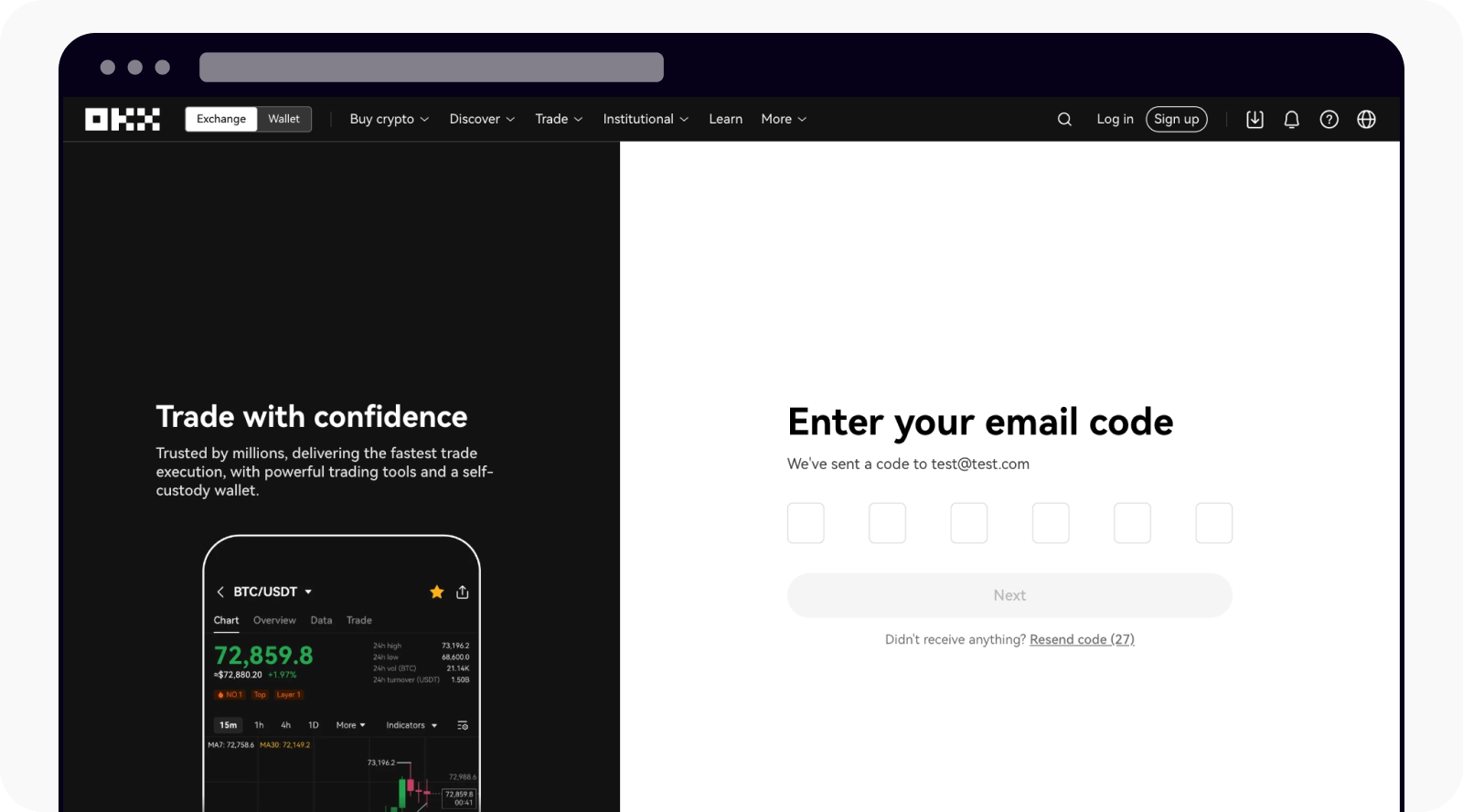
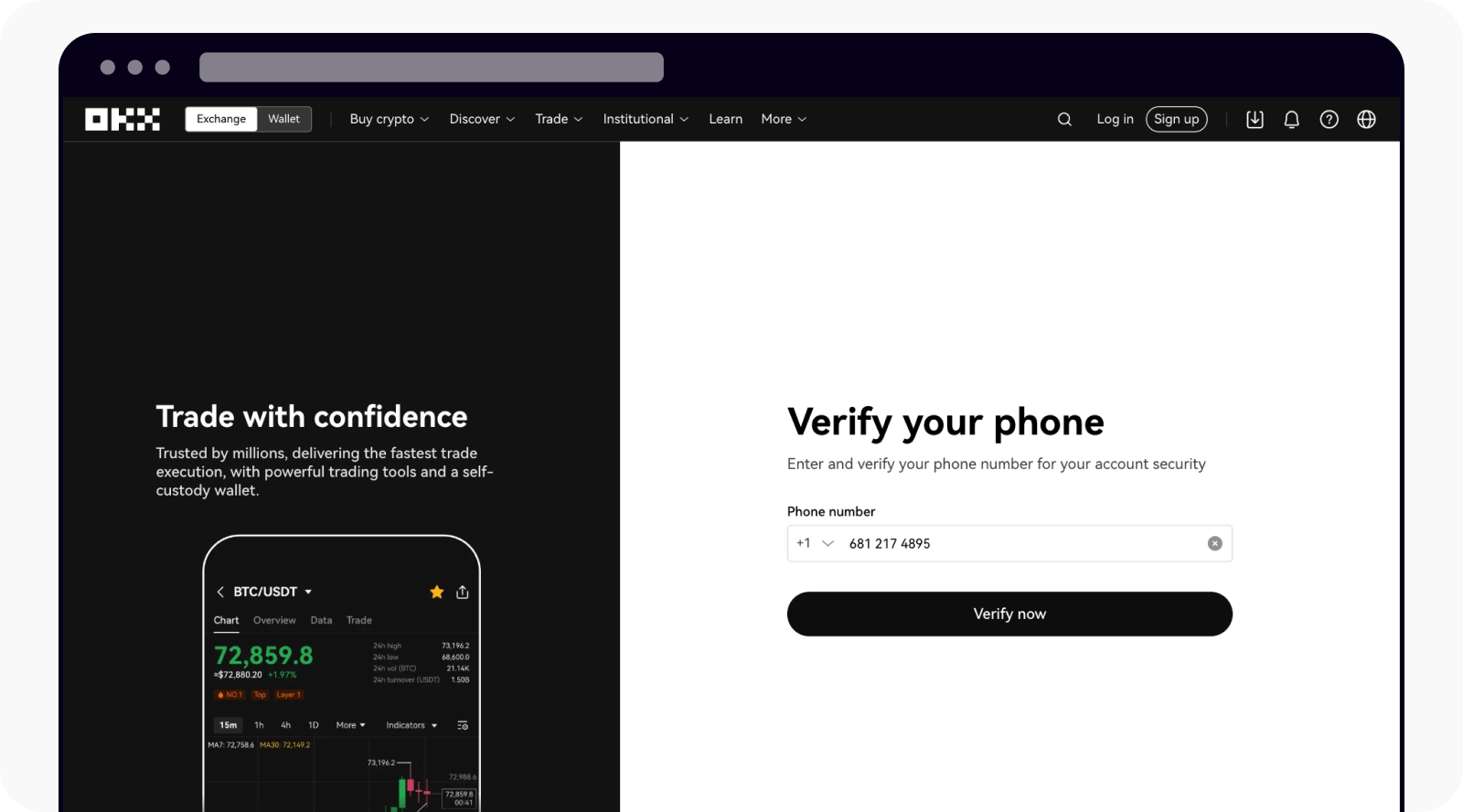
The numbered sequence is an editorial overview; the screenshots come from official OKX documentation. The website supports browser-based registration; installing a desktop client is not a prerequisite. Screen labels and verification requirements can vary with the service handling your account.
What does identity verification require?
Read the document list presented after selecting your residence. Prepare the supported original document, review spelling and dates, and submit clear images where requested. Address evidence or further information may be needed. Treat an article for a different service entity as background, not a universal checklist.
For example, a US-specific identity article can contain US-specific fields. Do not invent information to satisfy a field that seems inappropriate. Check that you are in the correct account flow and ask official support to clarify the requirement.
Verification pending, rejected or incomplete: what to do next
These labels describe different work. Before contacting support, write down the state currently shown, when you submitted the application and whether an additional action is requested. This gives you a usable case history without repeatedly restarting the process.
- Incomplete: identify the missing step. A saved profile is not necessarily a submitted verification application.
- Rejected: address the stated reason. Check document validity, readable images and mismatched fields before sending new material.
- Pending: look for an information request and use the estimate shown in your account when deciding to follow up.
- Verified but feature unavailable: investigate product eligibility rather than submitting the same identity documents again.
Share support references and error descriptions through official channels. Keep passwords, one-time codes and authenticator setup secrets out of the message. No review deadline or approval outcome is guaranteed here.
Plan for a lost phone before adding funds
Think of account access as several dependencies: your mailbox, phone number, second factor and recovery process. If all depend on one unlocked phone, losing that device creates several problems at once. Review those dependencies while the account is new.
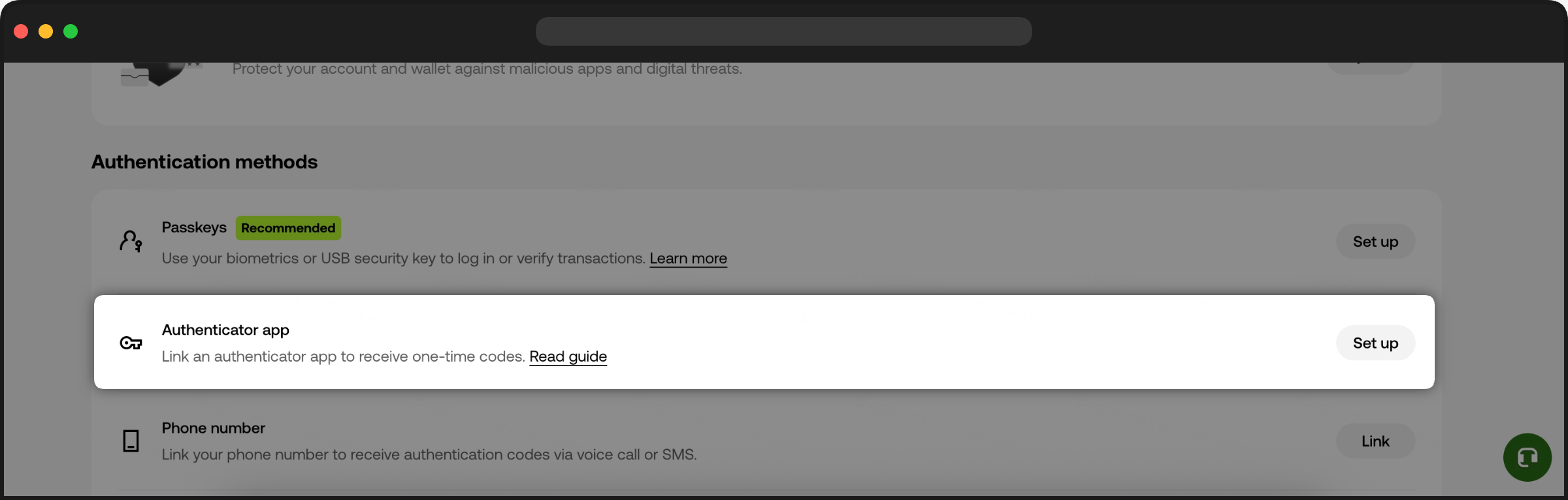
Use the security settings to configure an available authenticator or passkey and understand its recovery method. Protect the registration mailbox independently. An anti-phishing code can help you recognise messages, but an urgent email should still be checked by opening the official service yourself. Review instructions before changing a bound phone or email; do not assume account changes have no effect on access.
Before the first deposit: a separate decision
Do not treat funding as the final step required to prove that registration worked. First confirm that the intended product is available, that you understand its terms, and that the asset and network you would transfer are supported. Make a note of what you still need to verify instead of rushing through the deposit screen.
For stock-linked markets, read the guide to stock tokens and stock perpetuals. An account that can log in does not necessarily have derivatives access, and a perpetual position does not confer share ownership. The funding-rate guide explains the extra holding-cost questions.
OKX account-opening questions
My email is already registered. Should I start again?
Try recovering the existing account first. If you do not recognise it, contact official support to resolve the ownership issue. Changing contact details merely to repeat onboarding may leave the original problem unresolved.
Can I use OKX while living abroad?
Check the service available for your actual residence and the documents it accepts. Nationality alone does not answer this. Moving later is a reason to review account details and product eligibility with the relevant service.
Is an OKX exchange account the same as a Web3 wallet?
No. This article concerns the exchange login and verification process. A self-managed wallet has a different access model; creating one does not establish that exchange KYC is complete. Never provide wallet recovery phrases to someone offering account-verification help.
Do I need a referral code or a paid verification agent?
A referral is optional. Review any promotion separately from the eligibility decision, and complete your own verification through official channels. This guide does not endorse paid agents or promise rewards.
Official references and editorial scope
Checked on 23 September 2026. This guide was written from public documentation, not a live account-opening test. Confirm current instructions in the service that handles your account.
- OKX account registration — residence, contact requirements and eligibility boundaries.
- OKX individual verification — a service-specific example; its US-related fields are not global requirements.
- OKX verification questions — document quality and address questions.
- OKX exchange account security — authentication settings and suspicious-message checks.